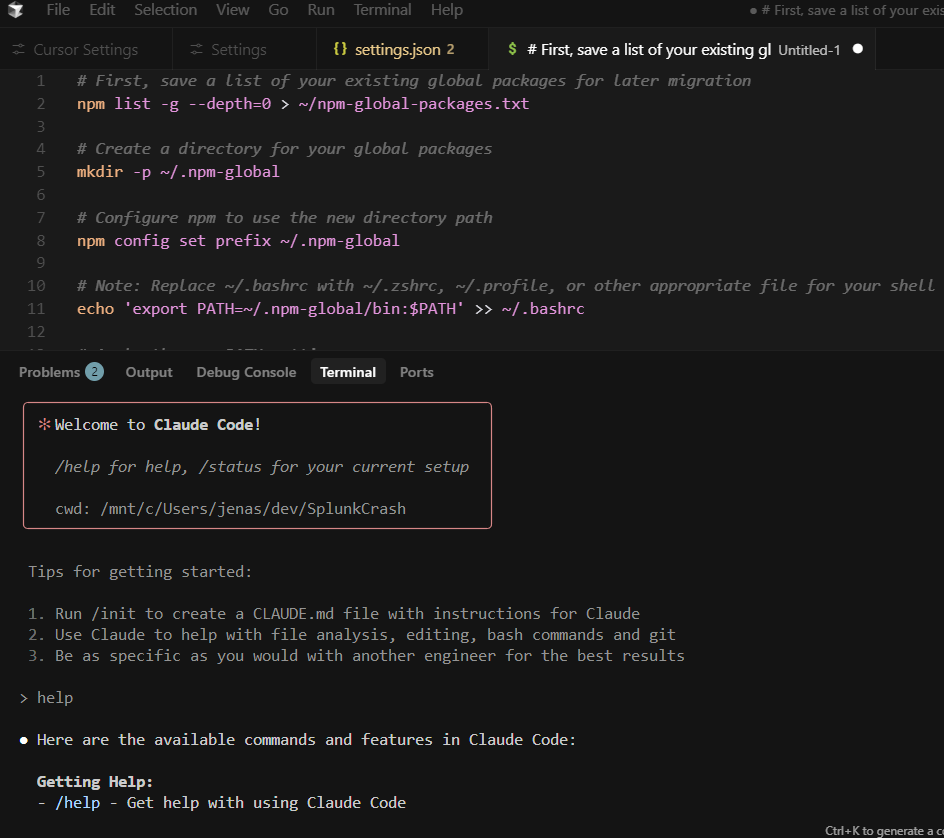
You want Claude Code in your Cursor Application on Windows. There is no exception.
I don’t have enough metrics for a cost comparison yet but I think it will be more efficient. I think I will end up with a Claude subscription and downgrade my Cursor subscription.
We’ll see.. stay tuned.
Let’s do it!
For reference here are the installation instructions provided by Anthropic
Install Ubuntu from the app store if you haven’t already
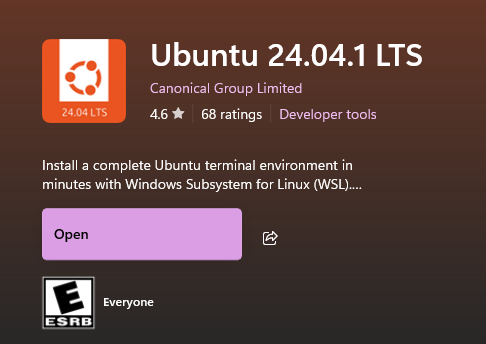
1. Fire that puppy up and create a un/pw then update it:
computer:~$ sudo apt update && sudo apt upgrade -y
2. Install node and npm:
computer:~$ sudo apt install -y nodejs npm
3. Copy paste the following into the terminal window
First, save a list of your existing global packages for later migration
npm list -g --depth=0 > ~/npm-global-packages.txt
Create a directory for your global packages
mkdir -p ~/.npm-global
Configure npm to use the new directory path
npm config set prefix ~/.npm-global
Note: Replace ~/.bashrc with ~/.zshrc, ~/.profile, or other appropriate file for your shell
echo ‘export PATH=~/.npm-global/bin:$PATH’ » ~/.bashrc
Apply the new PATH setting
source ~/.bashrc
Now reinstall Claude Code in the new location
npm install -g @anthropic-ai/claude-code
Optional: Reinstall your previous global packages in the new location
Look at ~/npm-global-packages.txt and install packages you want to keep
Now you can run claude! Just type “claude” into the terminal
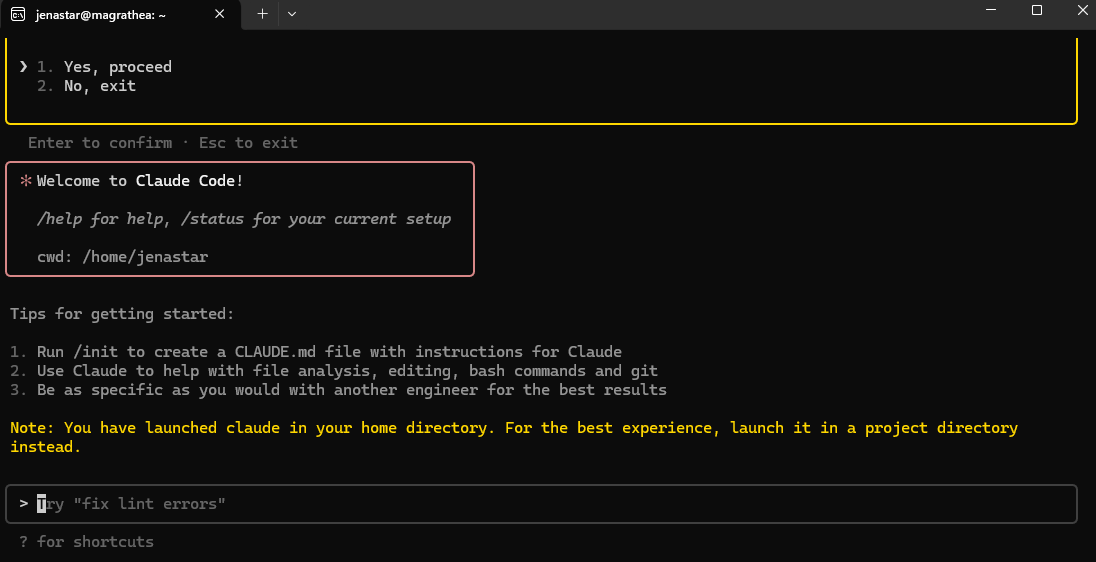
Now serve it to Cursor
Find the Ubuntu path in Powershell:
| PS C:\Users\jenas> Get-AppxPackage -Name “Ubuntu” | Select-Object Name, PackageFullName, InstallLocation |

Now update the default shell for Cursor by opening cursor and going to settings, searching for “terminal integrated default” and clicking “Edit in settings.json”
[Video - manual upload needed]
Replace the entire json configuration (modify for your path/version etc):
{
“security.workspace.trust.untrustedFiles”: “open”,
“files.autoSave”: “afterDelay”,
“cursor.composer.shouldChimeAfterChatFinishes”: true,
“python.createEnvironment.trigger”: “off”,
“terminal.integrated.automationProfile.windows”: {
},
“terminal.integrated.profiles.windows”: {
“Ubuntu 24.04”: {
“path”: “C:\\Ubuntu.exe”
}
},
“terminal.integrated.defaultProfile.windows”: “Ubuntu 24.04”,
“terminal.integrated.defaultProfile.osx”: “”
}